Roblox game icon maker
AI icons for your Roblox game
Record a few minutes of your game. Snip turns its creatures, items and best moments into square icons built like the charts' hits, and picks the one that reads best at a glance.
Notify me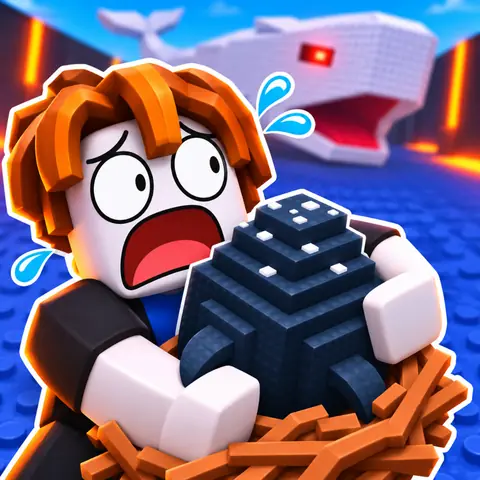 Steal gameSteal gameA friend is playingSteal game
Made by ClipClip, from real gameplay
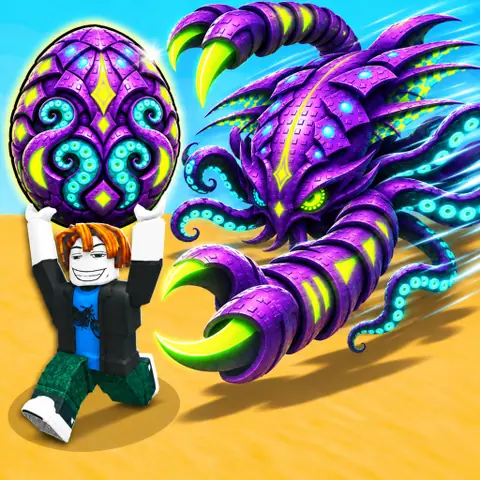
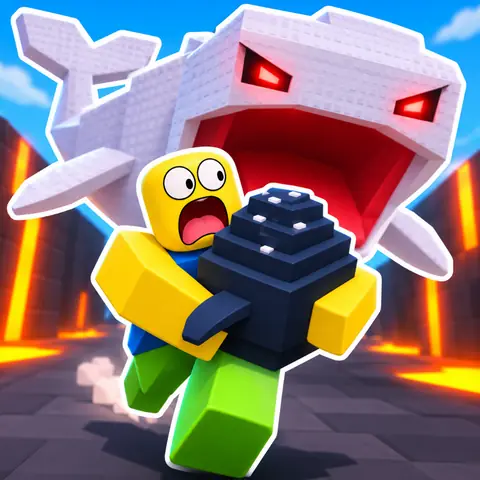
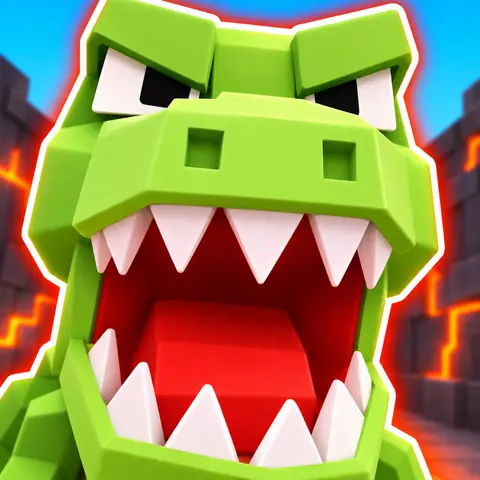
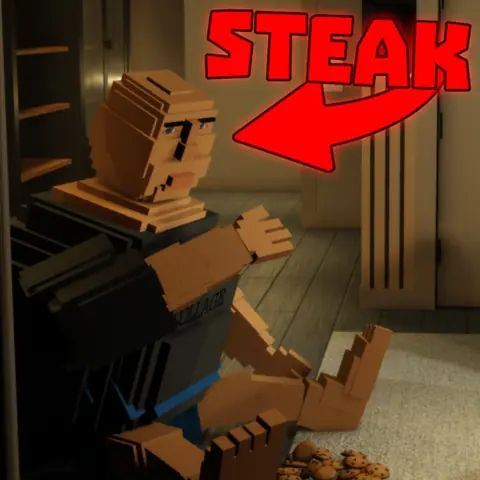
Three games we test with, each next to its own icon on Roblox. Every ClipClip icon came from the game's recording, and Snip picked one; their owners said yes to showing them.
Steal game
 Snip's pick
Horror game
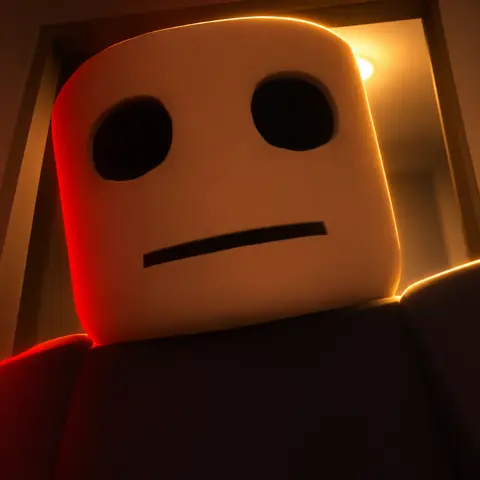
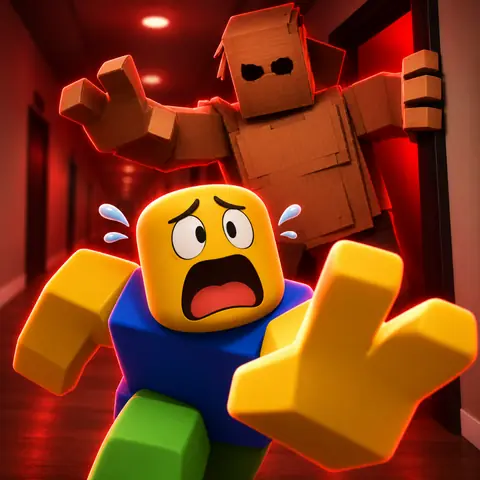 Snip's pick
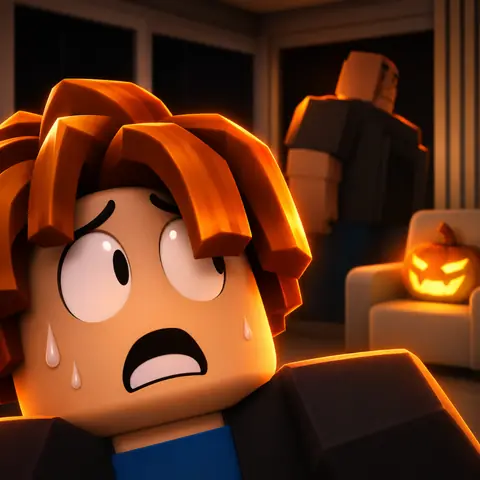
Clicker simulator
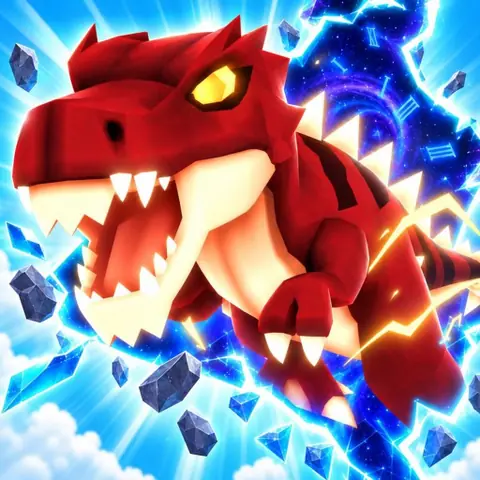
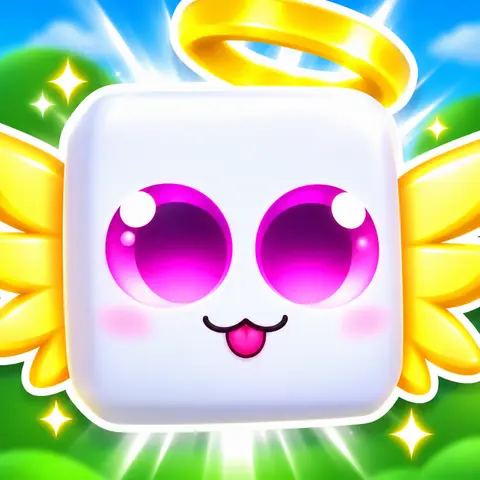
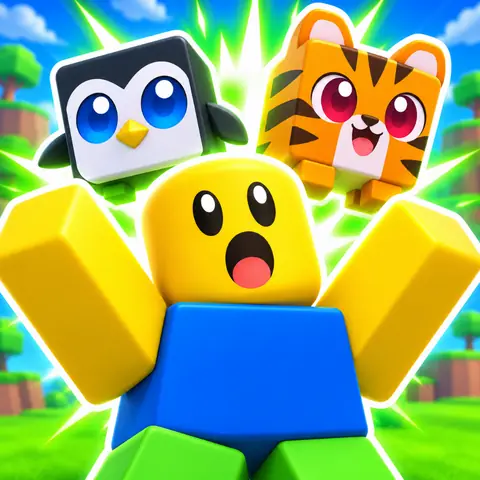
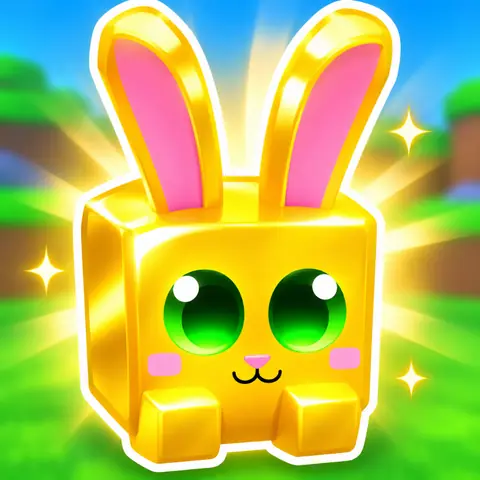 Snip's pick
How it works
- Paste your game's link. Snip reads your game's page: its genre, its name, what it's about.
- Record a few minutes of gameplay in your browser, or upload a video: the same recording makes your clips.
- Snip plans 1 to 3 icons, each a different idea (a big face, the action, the prize, or the name when it says what you do), from what the icons of 907 chart games share.
- Snip picks the one that reads best at a glance, with one line on why. Download it at 1024×1024, or pick another.
Made for Roblox's Charts
- Square at 1024×1024, above the 512×512 Roblox asks for.
- Built to read at 150×150, the size the Charts and Home's Continue row show it.
- Your real game's creatures, items and places, so it matches what players find.
- The bacon or the noob as the player, as on 29% of the busiest chart games' icons (9% of the quietest).
- Words only when they help, written by code, so they're sharp and spelled right.
What makes an icon work, measured: how to make a Roblox game icon. Every size: Roblox thumbnail and icon size.
What it costs
| Icons | |
|---|---|
| Free | Icons take credits |
| Pro, $19 a month | 3,000 credits: 30 icons at 100 each |
| Max, $49 a month | 9,000 credits: 90 icons at 100 each |
An icon is 100 credits, 80 for each more made together. The same credits make clips, thumbnails and page videos. Every plan.
Questions
Is there a free Roblox game icon maker?
Roblox gives every new game a default icon. ClipClip's icons take credits, 100 for one, and aren't in the free plan; you can also make one yourself in Roblox Studio and an image editor.
What size are ClipClip's icons?
1024×1024, square: twice the 512×512 Roblox asks for, so they stay sharp on every screen.
Does it use my game's real look?
Yes. Snip works from your own recording and your game's page: its creatures, items and places. The player is the classic bacon or noob, never your own avatar.
Can it put my game's name on the icon?
When the name says what you do in the game, yes: ClipClip's code writes it, so it's sharp and spelled right. Most new hits skip their name, so most icons don't.
How does Snip pick the best icon?
A small AI model looks at each one big and at 64 pixels, and picks the one that reads at a glance and says what you do in your game, with one line on why. You can pick another.
How do I put it on Roblox?
Download it, then upload it in the Creator Dashboard: your game, Configurations, Places, the start place, Icon. ClipClip shows the steps next to it.
How much does an icon cost?
100 credits for one, 80 for each more made together. Pro is $19 a month for 3,000 credits.
Grow your Roblox game.
ClipClip is the all-in-one marketing platform for Roblox games. Coming soon.
Notify me